

Final Cut Pro Training
Clear. Practical. Proven.

Instant access. Stream or download every lesson.Or watch two Core Training lessons free first →
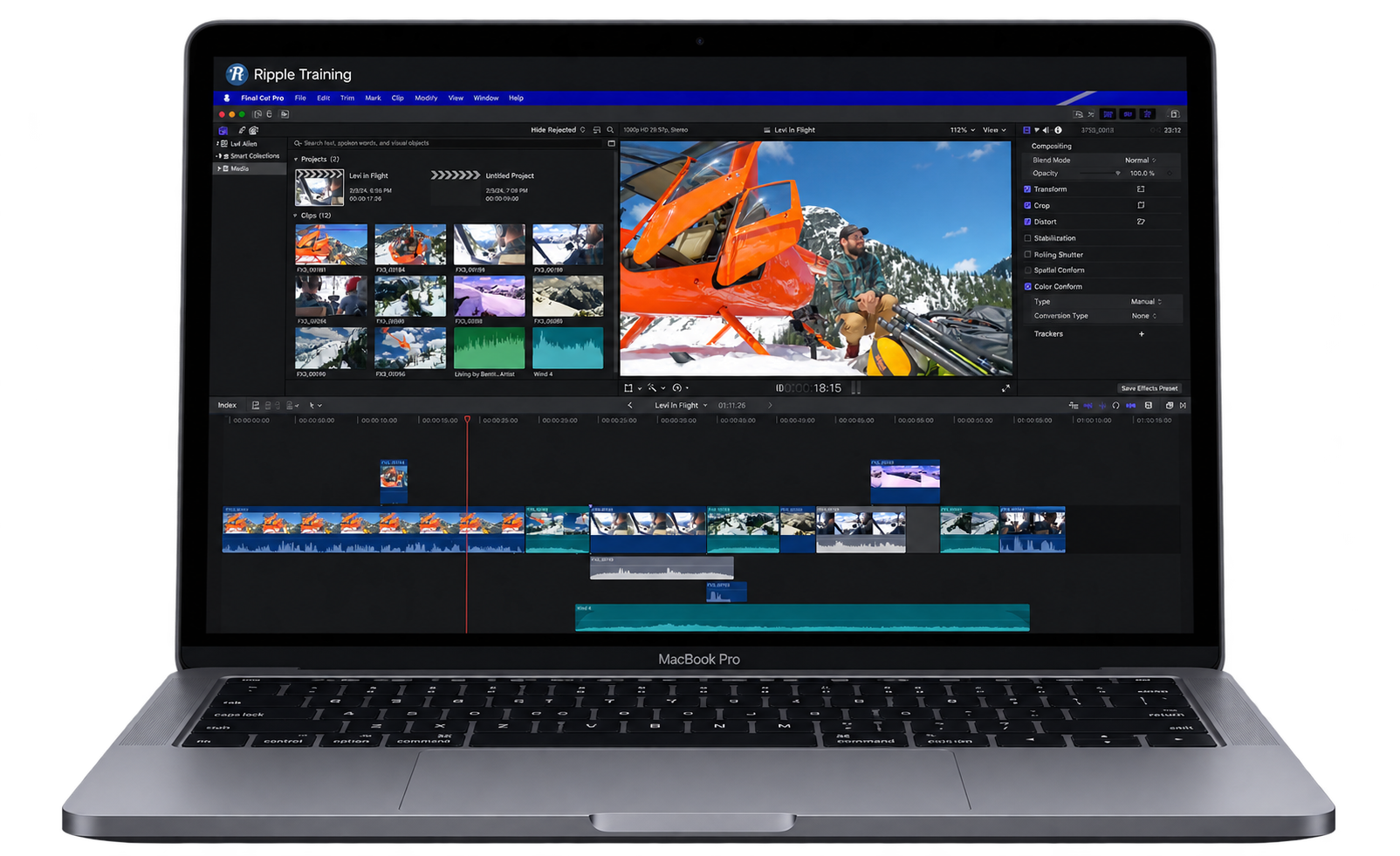
The path
Five courses. One order.
Each course builds on the one before it, so you’re never learning a feature you don’t have a use for yet. Buy them individually or buy the Essentials Bundle now.
Core Training
The whole editing workflow. Import, organize, cut, trim and export a finished video.
$79 View details →
Color Grading
Fix exposure and white balance, match shots, and keep a consistent look.
$99 View details →
Sound Editing
Clean up dialogue, sit music under your voice, and set levels you can trust.
$79 View details →
Media Management
Libraries, proxies, backups and storage. Projects stay fast and footage stays safe.
$79 View details →

Multicam Editing
Sync two or more cameras and cut interviews in a fraction of the time.
$59 View details →
Not sure where to start?
Take the 2-minute quiz.
Answer a few questions about what you edit and how much you already know, and I’ll point you to the course that fits.
Real editors. Real results.


I don’t think I’ve ever seen a tutorial out there anywhere that matches the calculated simplicity and cinematic clarity. Absolutely brilliant at cutting-to-the-chase, no chaff. Love it.
I’ve never had an easier experience learning what I need to know about Final Cut Pro than I have from Steve and his team!
Thank you Steve (and everyone at Ripple) for putting so much time, thought, and energy into making this program. The material is very clearly laid out and lessons build nicely.

If you want to learn how to…
Watch a demo from each course
Core Training
The whole editing workflow. Import, organize, cut, trim and export a finished video.
View this course →Watch two lessons from Core Training, free.
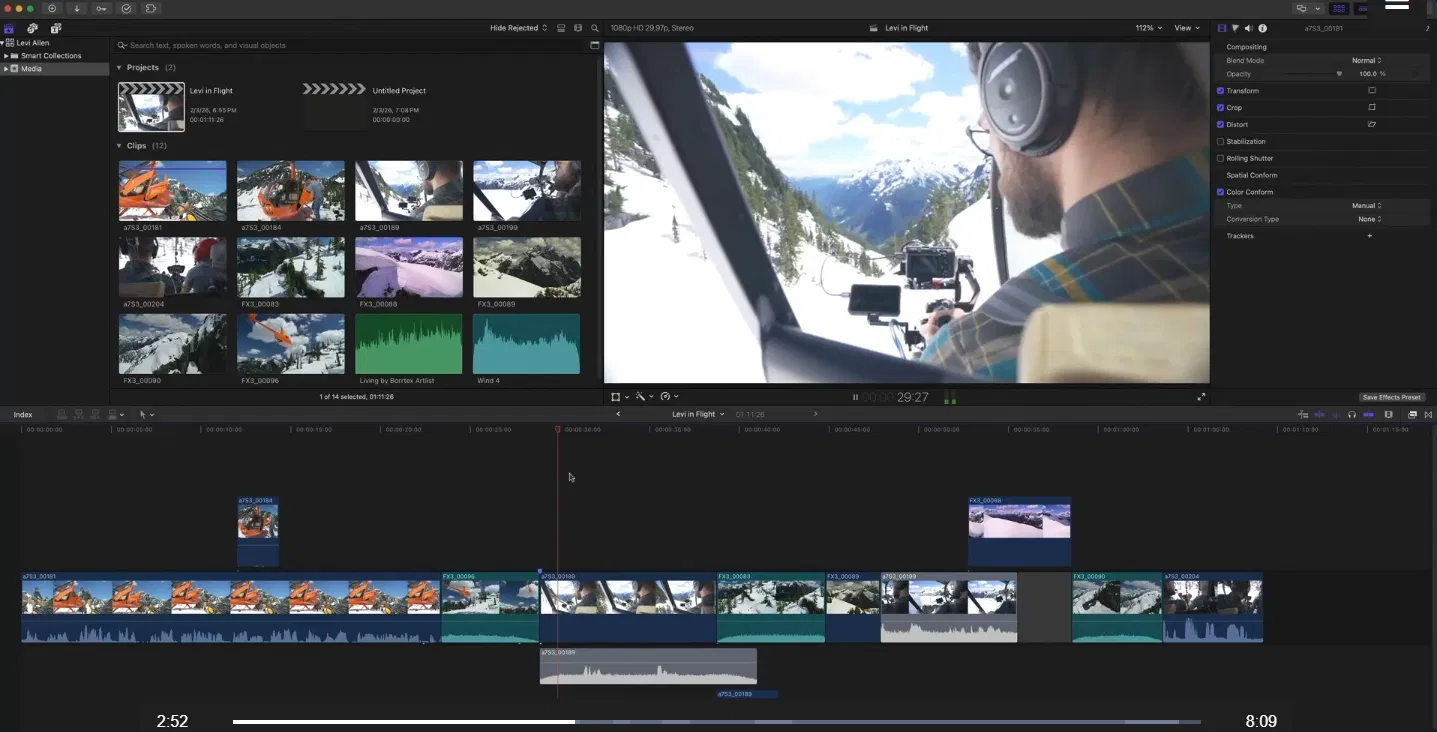
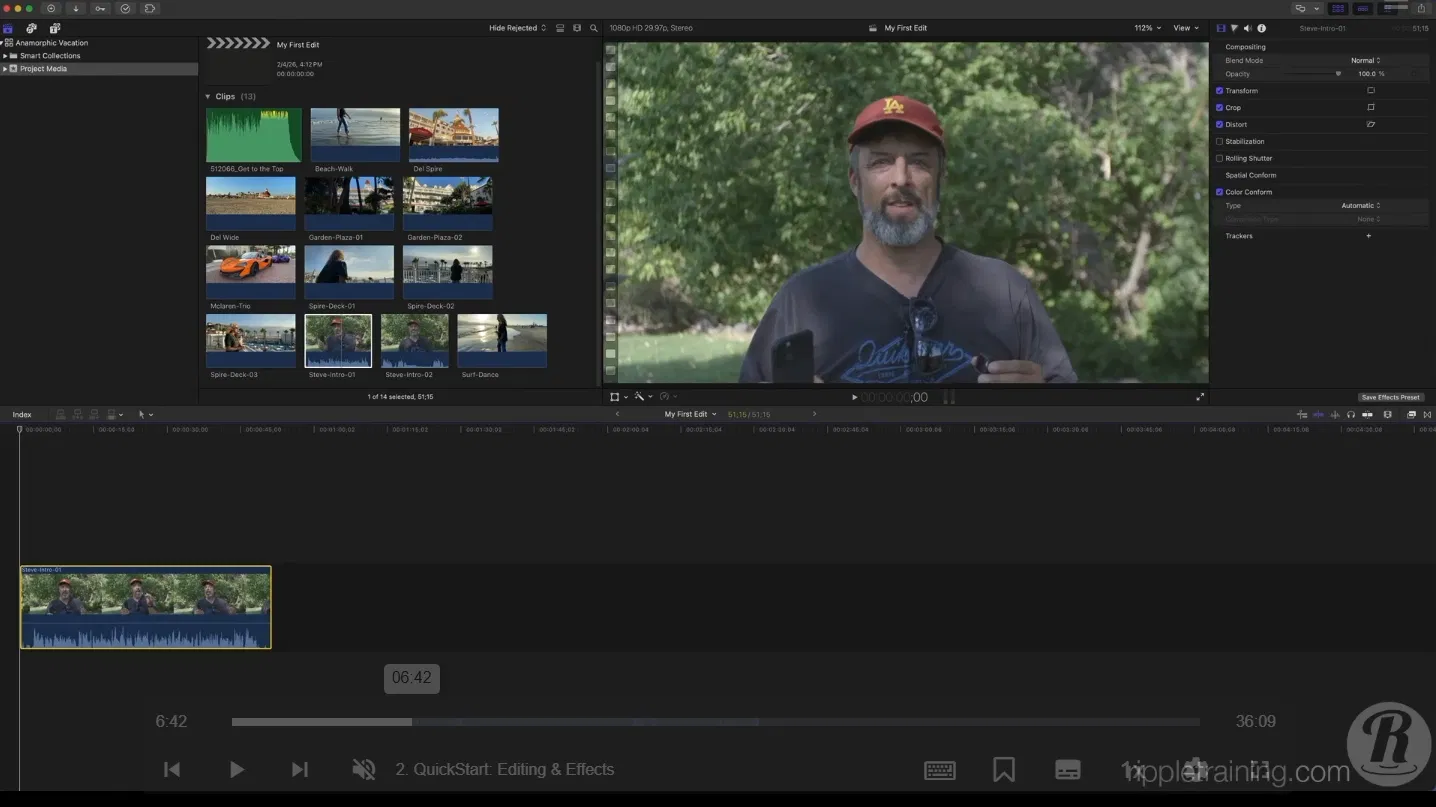
Tell us where to send them and we’ll email you the link. That’s about 45 minutes of the real course. Watch them, see how we teach, then decide.

The whole path, or just step one.
Bought one at a time, the five courses add up to $395.
The Essentials Bundle

Core Training
Start editing today. Add the other four courses whenever you’re ready.
Warp Speed Editing in FCP
Editing strategies and workflows that make you faster and more confident.

Warp Speed Effects in FCP
Build effects and dynamic visuals quickly to add impact to your story.
Warp Speed Motion for FCP Editors
Add motion graphics and visual effects without learning Apple’s Motion.
Keying and Compositing in FCP
Clean keys and convincing composites with the Keyer and related tools.
Mastering the Object Tracker
Track titles, logos and effects to moving subjects in your shots.

Building a Promo in Final Cut Pro
Edit and grade a complete promo from start to finish.
Working with LUTs
When and how to use LUTs to get the look you’re after.
HDR Editing and Delivery
The foundations of editing and delivering HDR video.
AI-Enhanced Workflows in Creator Studio
Use Apple’s creative apps alongside Final Cut Pro to get more done. With Mark Spencer.
The Art of Cutting Interviews
Cut interviews faster with transcription apps and services.
Your instructors
Who you’ll be learning from
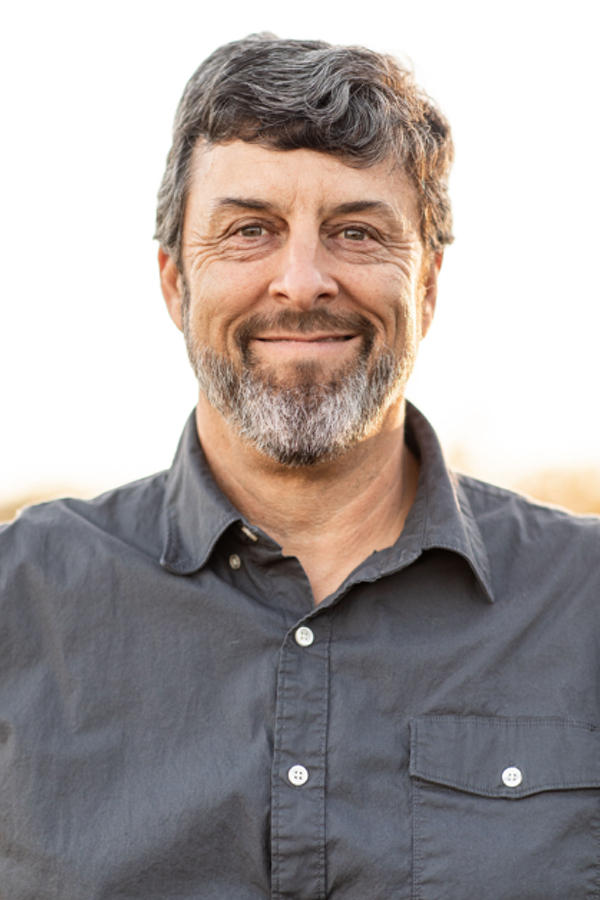
Steve Martin
Steve Martin is the creative force behind Ripple Training and has been using and teaching Final Cut Pro since 1999. Since Final Cut Pro’s introduction, he has introduced thousands of people to Final Cut Pro through his classes, workshops and training products. He has consulted and/or trained for Apple, Adobe, Disney, Canon, Walmart and other companies. He is also a writer, producer and avid photographer.

Mark Spencer
Mark Spencer is a bay-area based producer, editor, teacher and writer. Mark is also an Apple-certified instructor for Final Cut Pro and Motion 5 and the author or coauthor of 5 books on Motion, including the Apple Pro Training Series Motion 5, all from Peachpit Press.
Questions
Not sure which course fits where you are? Take the 2-minute quiz.
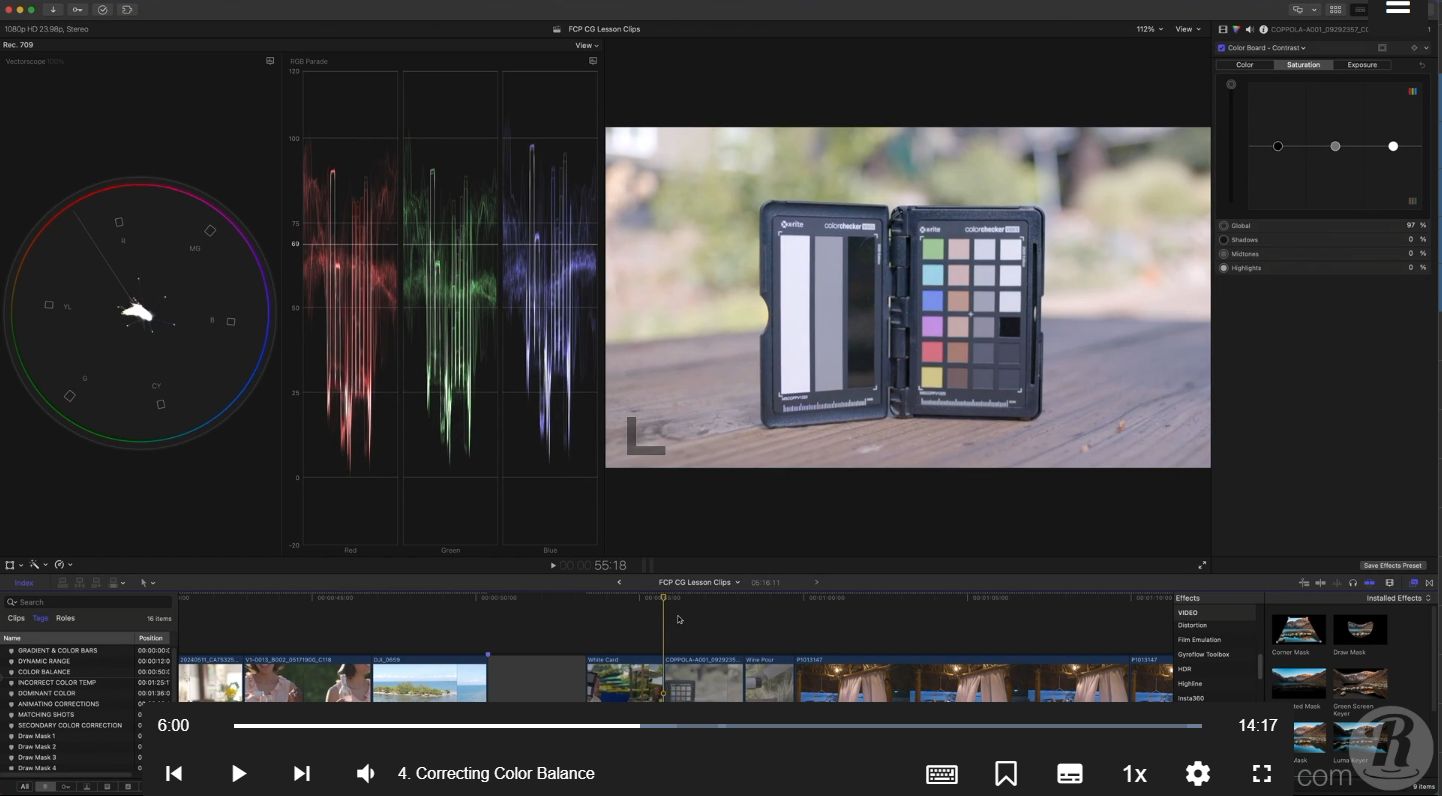

Before you go: two Core Training lessons, free.
We'll email you two lessons from Core Training. About 45 minutes. Watch them, then decide.