The Motion learning path · with Mark Spencer

Make your own Final Cut Pro titles, effects and transitions in Motion.

Four courses with me, start to finish. Build it once in Motion, then use it in every Final Cut Pro project you make.
Recommended by Apple ​ 200,000+ students and counting ​ Pay once, keep it
Made for Final Cut Pro editors, YouTube creators, business owners, marketing teams, educators, church media teams, musicians, photographers and hobbyists.

Instant access. Stream or download every lesson.Or watch the course demos first →
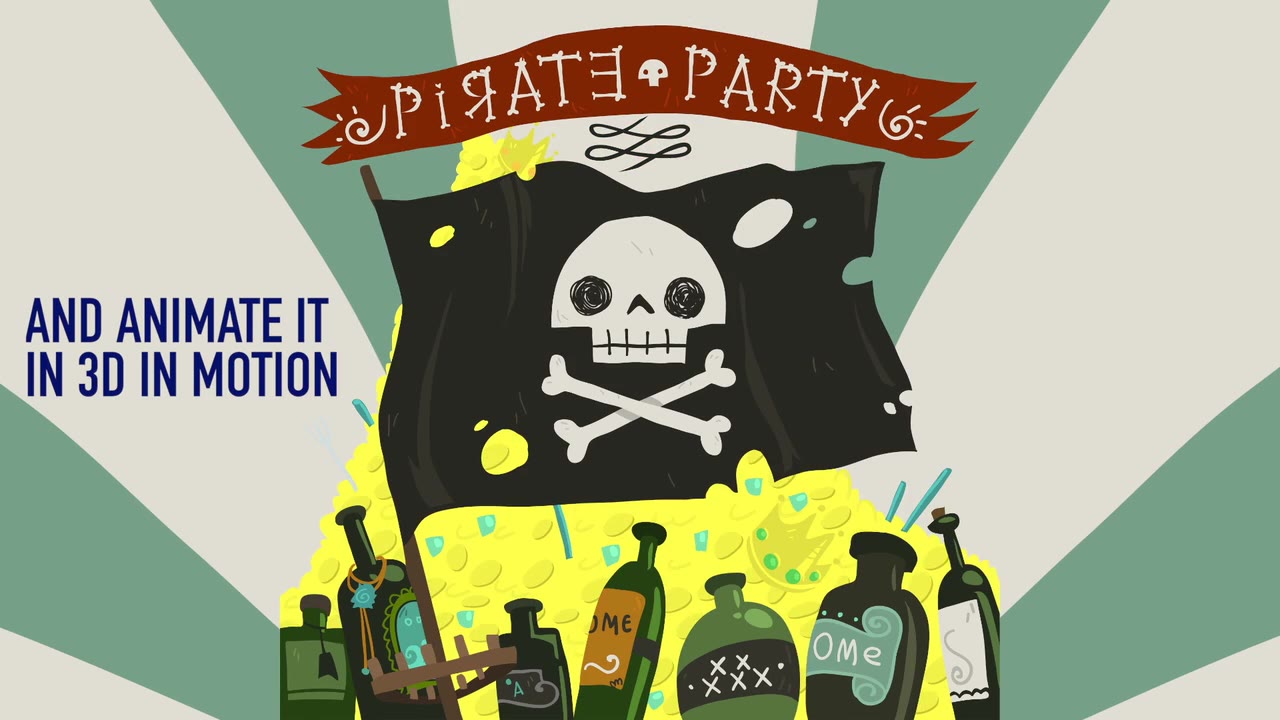
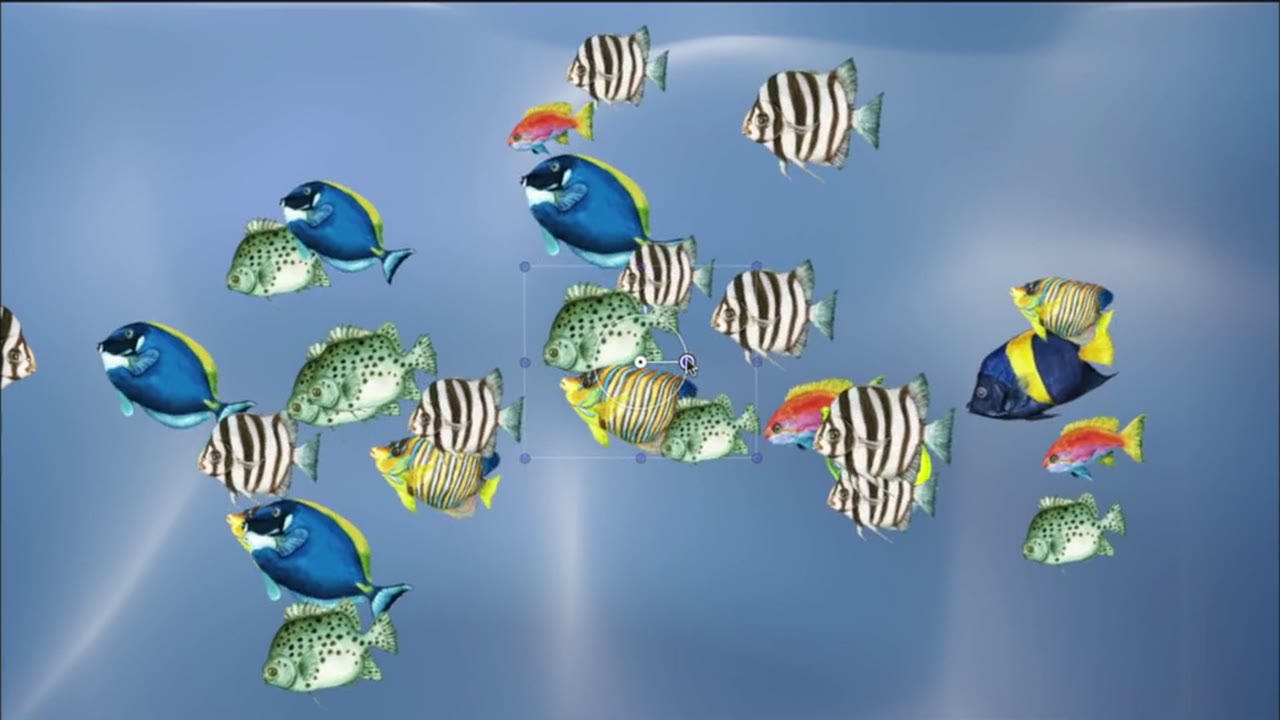
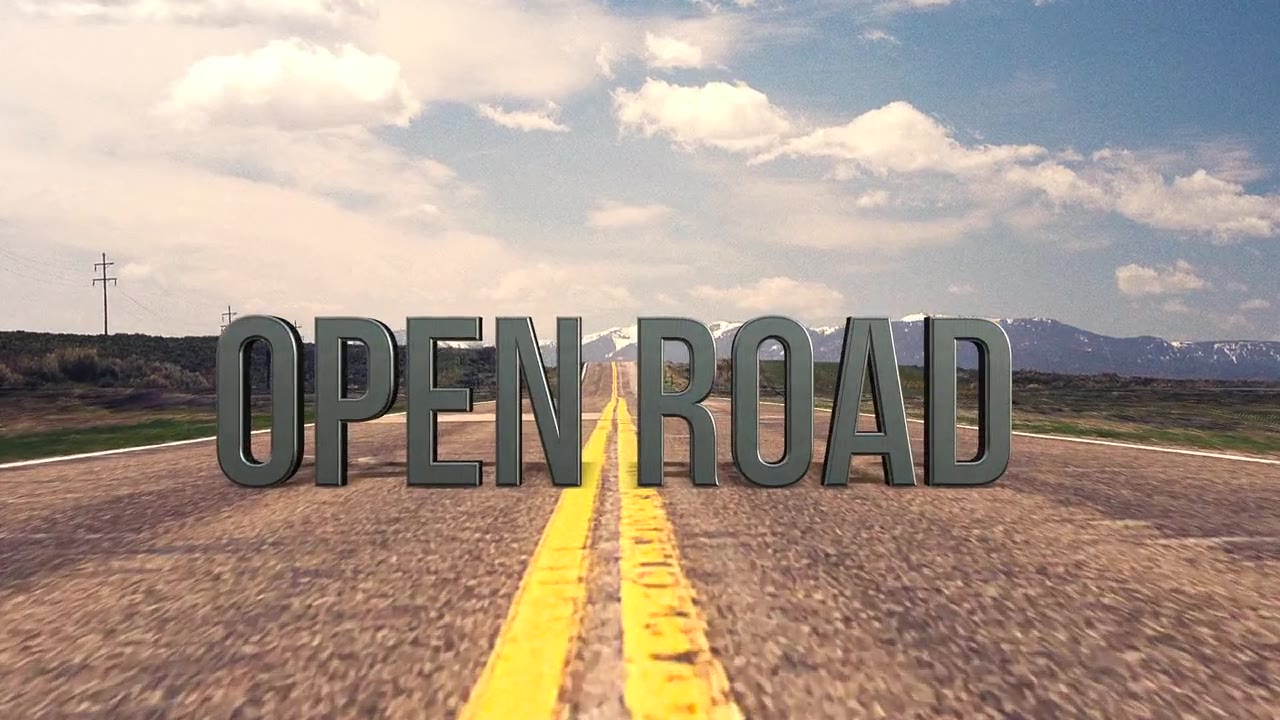
3D pirate flag built in MotionA school of fish made with a replicatorA particle trail drawing a heartOpen Road 3D title with a camera move
4
courses, one order
8+ hrs
of lessons in total
FCP
publish what you build straight into Final Cut Pro
Save $97
with the bundle, vs. buying each course separately
The path

Four courses, in the order I’d take them.

Each course builds on the one before it, so you’re never learning a feature you don’t have a use for yet. Buy them individually or buy the Motion Essentials Bundle now.
Getting Started in Motion course artwork

01Start here

Getting Started in Motion

The building blocks: the interface, behaviors, keyframes, keying, and publishing your work to Final Cut Pro.

Warp Speed 3D in Motion course artwork

02

Warp Speed 3D in Motion

Animate logos, layered photos and artwork in 3D, and build sets with a moving camera.

Creating Replicator Effects course artwork

03

Creating Replicator Effects

Turn one element into animated patterns, backgrounds and transitions you can use in Final Cut Pro.

Creating Particle Effects course artwork

04

Creating Particle Effects

Smoke, fire, snow, sparks and dust, animated in 2D and 3D and published to Final Cut Pro.

Real editors. Real results.

Mikel Vanderslice profile picture
Mikel Vanderslice
Google star 1Google star 2Google star 3Google star 4Google star 5Trustindex verifies that the original source of the review is Google.
The Ripple Training programs are amazing. I have used the Final Cut Pro training, and they provide very detailed instructions on how to operate everything in Final Cut Pro. Their customer service is amazing, and I would highly recommend their products if you are learning Final Cut Pro.
Jarrett Collins profile picture
Jarrett Collins
Google star 1Google star 2Google star 3Google star 4Google star 5Trustindex verifies that the original source of the review is Google.
The Final Cut Pro training by Steve Martin is just superb… my #1 reference when editing. On top of that, they recently updated the content for FCP 12.3… for FREE! Beyond being a great value, that kind of customer care is too rare. I recommend Ripple Training 100%.
Giovanni MacCormack profile picture
Giovanni MacCormack
Google star 1Google star 2Google star 3Google star 4Google star 5Trustindex verifies that the original source of the review is Google.
With over seven years of travelling we've amassed 100,000 photos and 2,000 hours of video. We are now set to enjoy our retirement making media stories of our travel experiences. Ripple is the place we decided to start and what a great training experience it has been. The best FCP course for beginners. We cannot thank Steve and Mark enough for getting us started. Giovanni and Fiona
Paul Fulford profile picture
Paul Fulford
Google star 1Google star 2Google star 3Google star 4Google star 5Trustindex verifies that the original source of the review is Google.
Best tutorials in the biz! If I want to learn something, I check to see if Ripple has a course on it.
Learn something new profile picture
Learn something new
Google star 1Google star 2Google star 3Google star 4Google star 5Trustindex verifies that the original source of the review is Google.
Ripple Training sets the bar very high for others to follow. Their tutorials are fresh, thorough, and along with the customer service makes their products worth every single penny! They have taken me from being completely intimidated by Final Cut Pro and Motion to being an actual user...and completely enjoying myself in the process. Quit waiting!!
Rusty Chain Productions Earl profile picture
Rusty Chain Productions Earl
Google star 1Google star 2Google star 3Google star 4Google star 5Trustindex verifies that the original source of the review is Google.
Ripple Training is fabulous! They provide great source material to work with and know how to speak to every level editor. If you have to make the switch from one program to another they get you up to speed fast. I've purchase three course from them and they are worth every penny.
Philip MacDonald profile picture
Philip MacDonald
Google star 1Google star 2Google star 3Google star 4Google star 5Trustindex verifies that the original source of the review is Google.
I have used Ripple Training for over 15 years primarily for FCP and Motion. I have found Mark and Steve's tutorials to be top notch. They are always very instructive and hit the mark for topics that really matter to video editors.
shameel ariff profile picture
shameel ariff
Google star 1Google star 2Google star 3Google star 4Google star 5Trustindex verifies that the original source of the review is Google.
I purchased Getting Started with Motion from Ripple Training because I wanted to learn the software in a proper, structured manner rather than relying on YouTube videos that showcase different tutorials from different individuals. I found that approach lacked a clear framework for understanding the software and progressing to the next level. After completing the course, I now have a solid basic understanding of Motion and the skills to create simple projects on my own. More importantly, I feel confident about progressing to more advanced projects by taking Ripple Training’s additional Motion tutorials, which cover specialized aspects of the software in great depth. I honestly don’t think there is anyone better than Ripple Training when it comes to teaching Motion. The course structure, explanations, and practical approach have given me a much better understanding of the software and how its different tools work together. I would also like to mention Jill and Caleb, whose customer support was outstanding. They were extremely helpful and responsive throughout my experience with Ripple Training. I’m very pleased with my decision to learn Motion through Ripple Training and look forward to continuing with their other Motion tutorials and taking my skills to the next level. Highly recommended!
Bob Sammon profile picture
Bob Sammon
Google star 1Google star 2Google star 3Google star 4Google star 5Trustindex verifies that the original source of the review is Google.
Between their tutorials, their plug-ins and social media posts these folks have helped me in more ways than they can imagine. I have gone to them for advice and suggestions when I have been stumped by a particularly vexing issue with FCP and have learned tricks of the trade by watching their videos. I am mostly retired these days but I still have a few active clients and I keep up with the new features of FCP so I can be on top of any project that ends up in my lap. In addition, as a retired teacher I can comment that their method of communicating their knowledge to mere mortals like me is outstanding. Clear. Concise. To the point. They are my "go to" source for info on Final Cut Pro.
Diego Alejandro Abad Gomez profile picture
Diego Alejandro Abad Gomez
Google star 1Google star 2Google star 3Google star 4Google star 5Trustindex verifies that the original source of the review is Google.
Hace poco finalice el curso basico de Final Cut Pro y la verdad que estoy completamente feliz con la compra. Aprendí mcuhas cosas del manejo del programa que no tenia ni idea de que existian de forma practica y consisa. Como el curso incluye tanta informacion, seguramente tendre que repasarlo un par de veces para afianzar los conocimientos. Sin duda recomendaria el curso para cualquiera que desee aprender y no perder el tiempo buscando entre los miles de tutoriales que hay en internet.
Verified by Trustindex
Trustindex verified that these reviews were published on Ripple Training's Google Business Profile. Learn more

I wanted to learn the software in a proper, structured manner rather than relying on YouTube videos that showcase different tutorials from different individuals… After completing the course, I now have a solid basic understanding of Motion and the skills to create simple projects on my own.

Bract G. · Getting Started in Motion student

This explains all the fundamentals in a thorough and concise, easy to follow way. I wish I’d found this training site sooner.

Jennifer N. · Getting Started in Motion student

My only complaint after lesson 21 was “Is it over? I want more.” Luckily there are lots of other tutorials waiting for me.

Petter V. · Getting Started in Motion student

Not sure where to start?

Take the 2-minute quiz.

Answer a few questions about what you make and how much you already know, and I’ll point you to the course that fits.

Loading the quiz…
What you’ll build

Every one of these is a project from the courses.

You build them yourself, step by step, with the project files included.
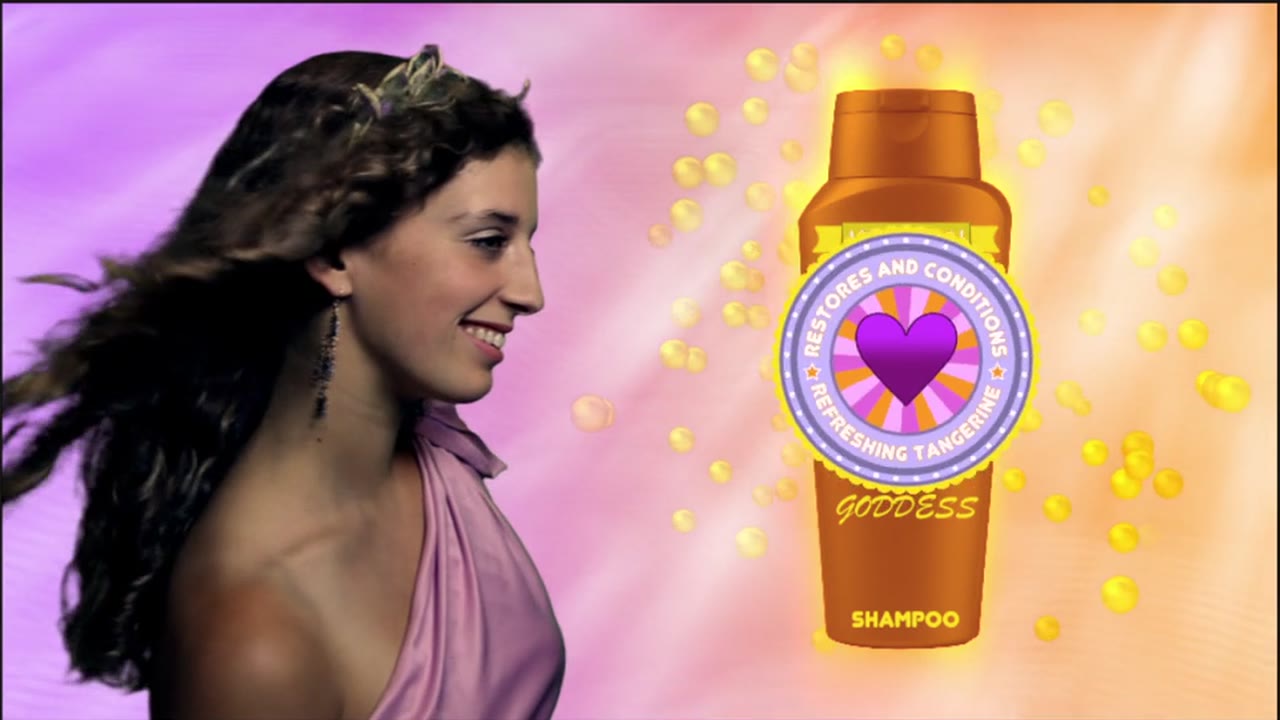
Flat artwork, animated in 3D
Flat artwork, animated in 3DWarp Speed 3D
A school of fish from one fish
A school of fish from one fishReplicator Effects
Sparks that draw a shape
Sparks that draw a shapeParticle Effects
A keyed, animated product spot
A keyed, animated product spotGetting Started
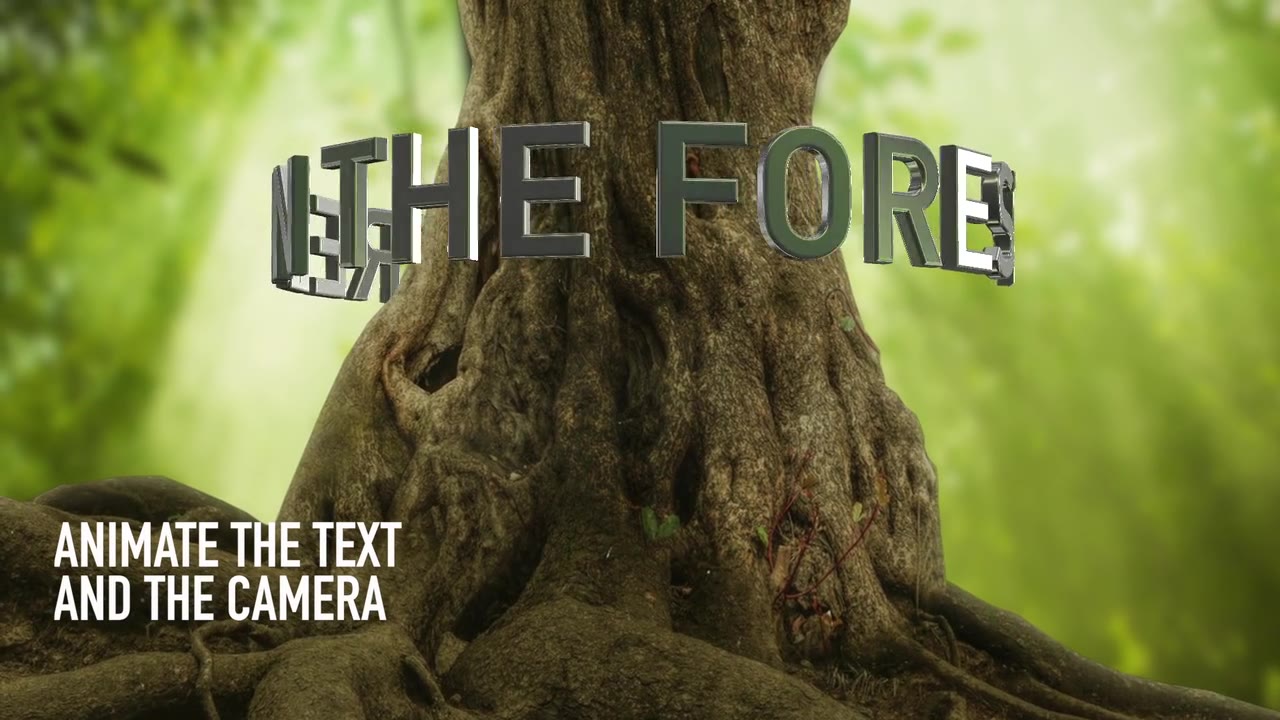
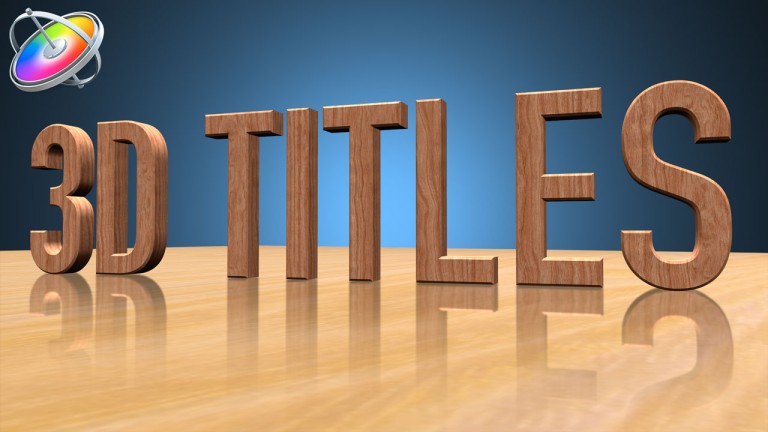
3D text on a path, with a camera
3D text on a path, with a cameraWarp Speed 3D
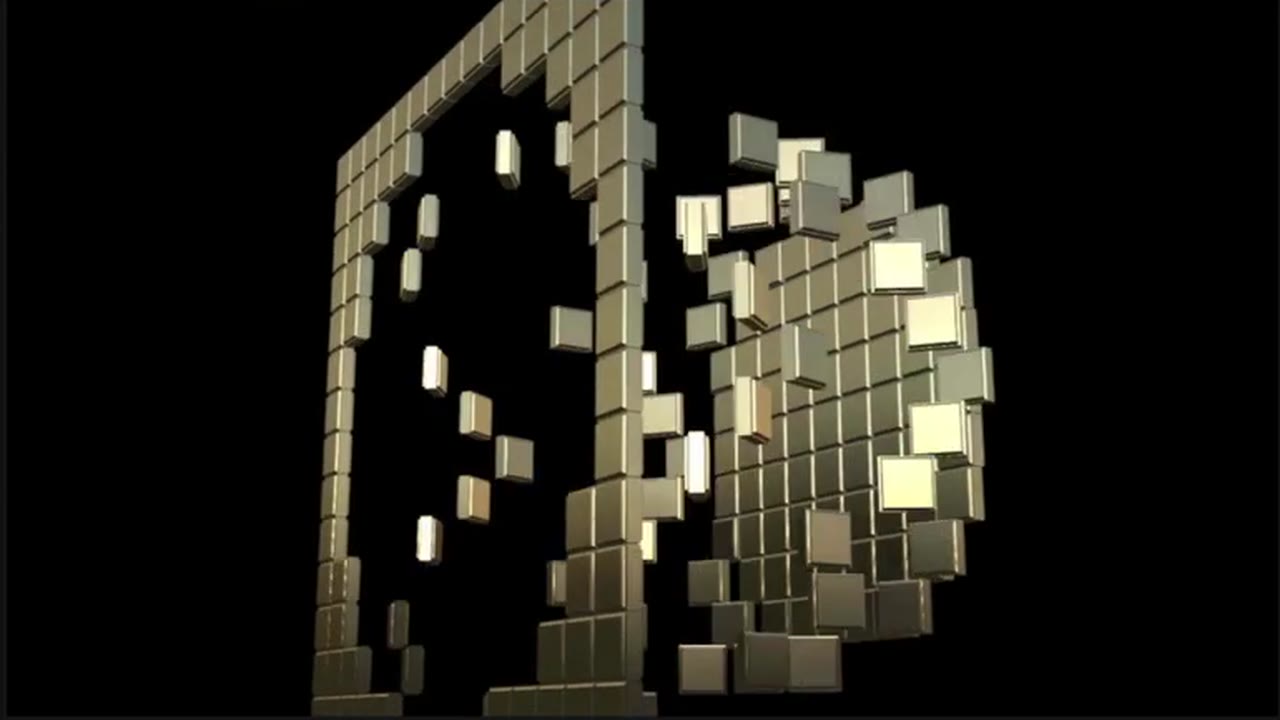
Shapes that build and break apart
Shapes that build and break apartReplicator Effects
Mark Spencer

Your instructor

Hi, I’m Mark Spencer.

I teach all four courses on this path. You’ll start with the building blocks of Motion, then build 3D sets, replicator patterns and particle effects, one project at a time.

Everything you make, you can publish straight to Final Cut Pro and reuse in your own edits.

Why Motion

Build it once. Use it in every edit.

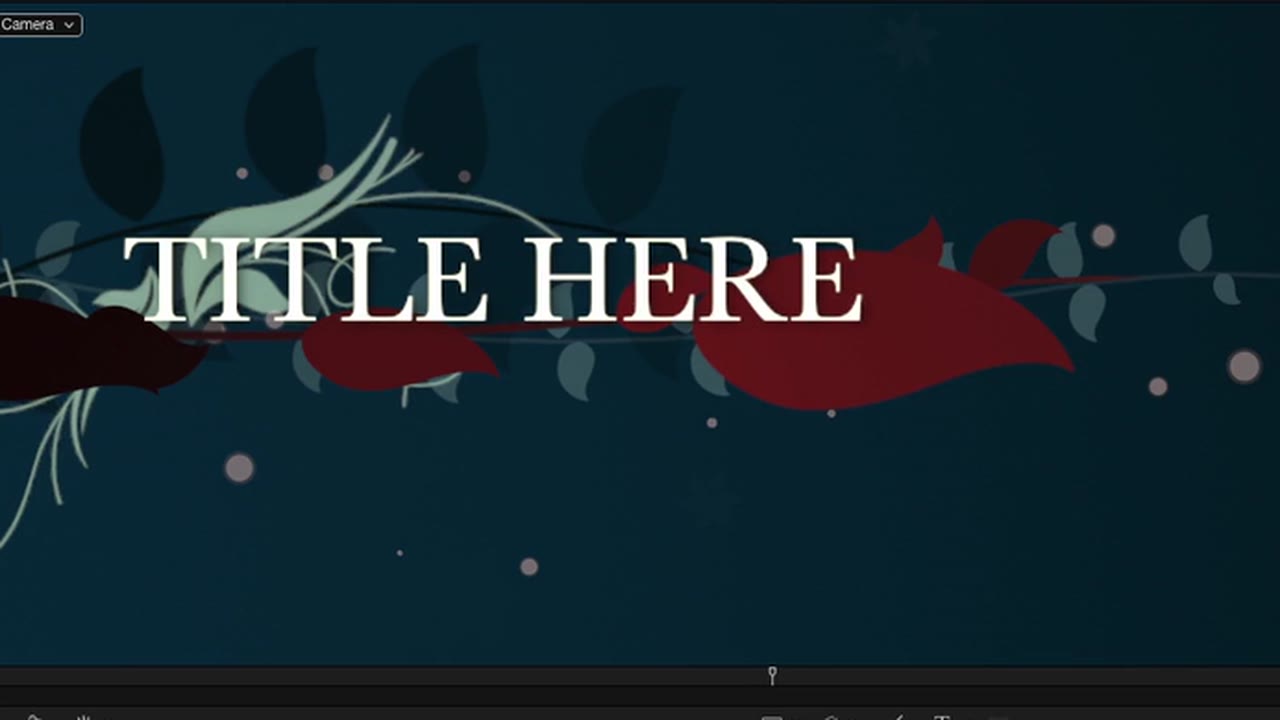
An animated title template built in Motion

  1. 1
    Build it in MotionA title, a lower third, a transition or an effect, designed the way you want it.
  2. 2
    Publish it to Final Cut ProIt shows up in your Titles, Generators, Effects or Transitions browser.
  3. 3
    Drop it on any timelineChange the text, colors and timing in the inspector, project after project.
Pick the skill you need next. Every course is sold on its own.
Free

Watch the first lesson of Getting Started in Motion, free.

I’ll email you The Project Browser, the first lesson of the course. Watch it, see how I teach, then decide.

Free. Unsubscribe anytime.
A lesson from Getting Started in MotionFree lesson · The Project Browser · Getting Started in Motion
Watch a demo

See a course in action

1 of 4

Getting Started in Motion

The building blocks: the interface, behaviors, keyframes, keying, and publishing your work to Final Cut Pro.

View details →
Get the Motion Essentials Bundle, $199

The whole path, or just step one.

Bought one at a time, the four courses add up to $217.

Motion Essentials Bundle artwork

The Motion Essentials Bundle

Save $97
Getting Started in Motion course artwork
Warp Speed 3D in Motion course artwork
Creating Replicator Effects course artwork
Creating Particle Effects course artwork
Original price was: $296.Current price is: $199.
All four courses, in order
Over 8 hours of lessons
Publish what you build to Final Cut Pro
Pay once, keep it
Getting Started in Motion course artwork

Getting Started in Motion

Step one only
$79

Learn the building blocks today. Add the other three courses whenever you’re ready.

Questions

Not sure which course fits where you are? Take the 2-minute quiz.

The courses were recorded in earlier versions of Motion. Behaviors, replicators, particles and 3D work the same way today, so what you learn still applies.

No. Getting Started begins with the Project Browser and the interface, then builds a complete project from scratch. Take the courses in order and each one builds on the last.

Getting Started in Motion begins with the Project Browser. Past the basics? Every course is sold on its own, so start where you are.

Every lesson picks up where the last one left off, so your next step is always clear. Watch on your Mac, your iPad or offline.

Random free tutorials come in no particular order. This is one path, all taught by me, so you always know what comes next.

No. Motion works on its own. If you edit in Final Cut Pro, I show you how to publish your titles, transitions and effects so they show up right inside it.

Maybe not. Every course is also sold on its own, so if you only need one skill, buy that course. See every course →

Yes. Every course has a demo on this page, so you can see exactly how I teach before you buy. Watch a demo →

Yes. Stream any lesson in your browser, or download it and watch offline. You can also sync downloaded lessons to your iPad.

Up to three of your own devices.

No. You pay once, download the courses, and they’re yours to keep.

​

Start at step one and keep going.

$199 for all four courses, regularly $296.