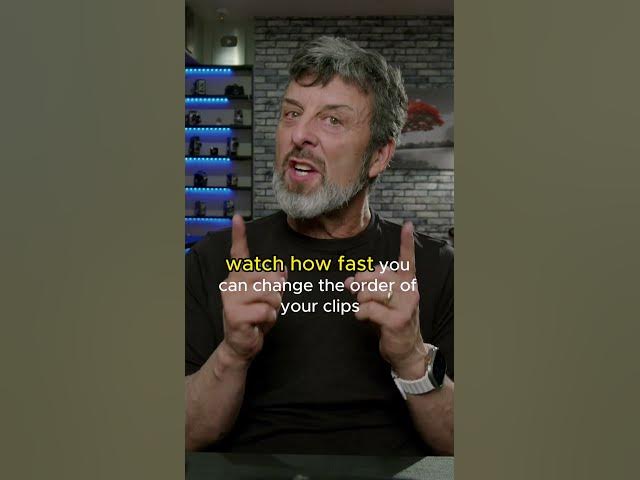
In this video, you’ll learn how to do a punch-in in DaVinci Resolve. This simple but effective editing technique is one of the most common ways to add visual emphasis to interviews and dialogue-driven footage.
What Is a Punch-In?
A punch-in is a subtle zoom applied to a single shot, typically used to emphasize a key moment in an interview or piece of dialogue. Rather than cutting to a new angle, you simply push in on the existing frame. As a result, the viewer’s attention is drawn to that moment without disrupting the flow of the edit.
How to Punch In in DaVinci Resolve
The tutorial walks through the exact steps for creating a punch-in in DaVinci Resolve, from selecting the right point in your clip to keyframing the zoom smoothly. In other words, you’ll see the full process from start to finish, not just the concept behind it. Along the way, common mistakes — like zooming too far and losing image quality — are covered as well.
Why It’s Worth Learning
Punch-ins are a small technique, but they show up constantly in interview-based content, documentaries, and talking-head videos. Consequently, learning to do them cleanly in Resolve is a skill that pays off across almost any type of project you’re editing.
Watch the Full Tutorial
Once you’ve got the punch-in in DaVinci Resolve technique down, you’ll have another tool ready whenever a moment in your footage calls for a bit of extra emphasis
Find our full DaVinci Resolve tutorials here