Text-Based Editing in FCP 12 Using ScriptStar
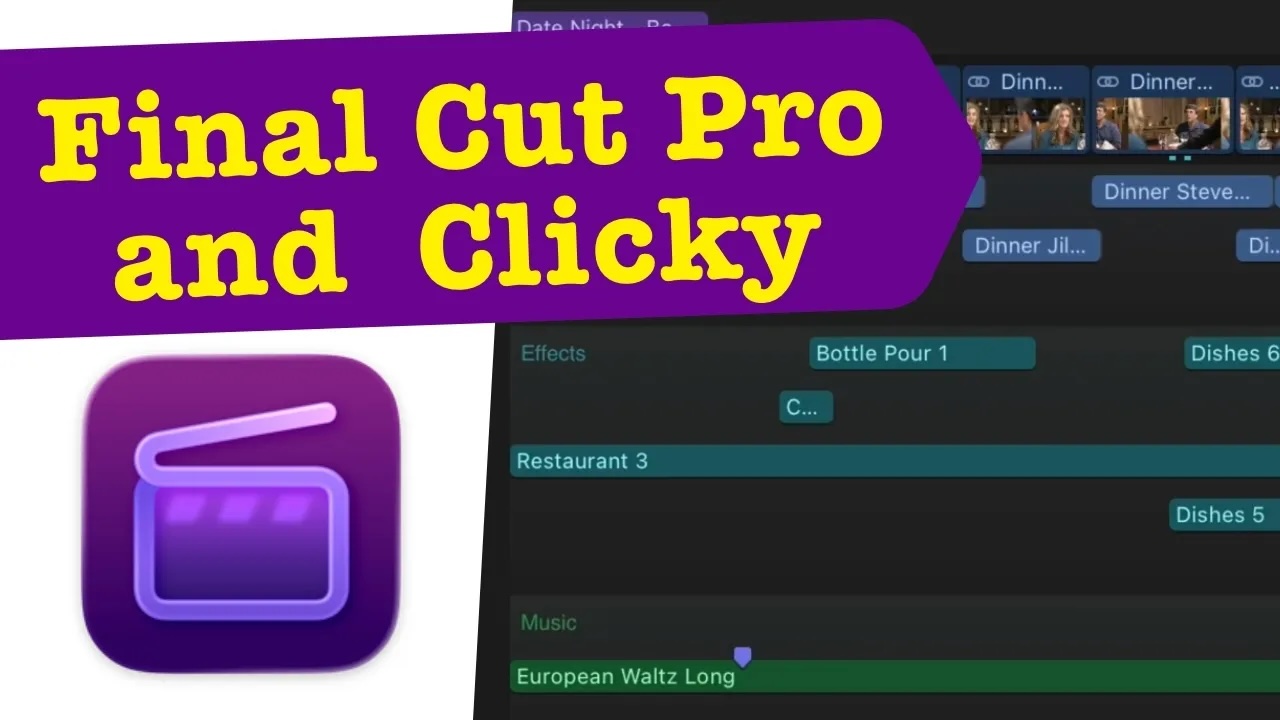
Text-based editing with ScriptStar is the focus of this new video. Mark demonstrates a Final Cut Pro extension built to make transcript-driven workflows faster and more intuitive inside FCP 12. Final Cut Pro’s built-in Transcript Search already generates transcripts from your footage. However, it doesn’t give editors an easy way to visualize or interact with that text directly. ScriptStar fills that gap.
How ScriptStar Speeds Up Your Edit
With ScriptStar, you can see your entire transcript laid out visually. You can also search it contextually, then jump straight to the corresponding point in your timeline. Best of all, you can do this without scrubbing back and forth through raw footage. This is what makes text-based editing with ScriptStar so effective. As a result, it dramatically speeds up rough cuts, especially for interview-heavy or dialogue-driven projects. In these projects, finding the right line used to mean hunting through hours of clips manually.
Getting Started
Mark walks through exactly how to install the extension. He also shows where it lives inside FCP 12, and how to start editing by text rather than by scrubbing the timeline frame by frame. Once it’s installed, switching to text-based editing with ScriptStar becomes second nature. In fact, you’ll find yourself reaching for the transcript panel before you reach for the timeline scrubber.
Whether you’re cutting a documentary, a talking-head interview series, or any project built around spoken word, this approach to editing can save real time. Ultimately, it’s a small extension with an outsized impact on how quickly you can turn raw footage into a finished cut.
Want to learn Final Cut Pro, Motion, or DaVinci Resolve in more depth? Check out our full library of online tutorials. And if you’re looking for more ways to speed up your FCP workflow, take a look at our other plugins
Plugin for ScriptStar
Time Stamps:
0:00 – Mark Intro
1:00 – What is ScriptStar?
1:19 – Who Made ScriptStar?
02:11 – Transcript Search without ScriptStar
04:25 – Using the ScriptStar Extension
05:33 – Searching the Visible Transcript
07:50 – Viewing Selects in Transcript Context