


-
Color Grading in DaVinci Resolve 20
Color Grading in Resolve 20 will teach you how to leverage DaVinci Resolve 20's deep color grading tool-set to improve both the quality of your images and the speed at which you’ll be able to work.
DaVinci Resolve 20 Core Training
In this introductory training course you’ll learn how to import, organize, edit, add effects, color grade, mix, and deliver finished projects using DaVinci Resolve 20.
Sale!
DaVinci Resolve Essentials Bundle
DaVinci Resolve Essentials Bundle includes our 2 most important tutorials for anyone wanting to learn DaVinci Resolve post-production. This bundle delivers 12 hours of content and includes the media for following along in DaVinci Resolve. SAVE 35% when purchasing the 2 tutorials in a bundle!!Sale!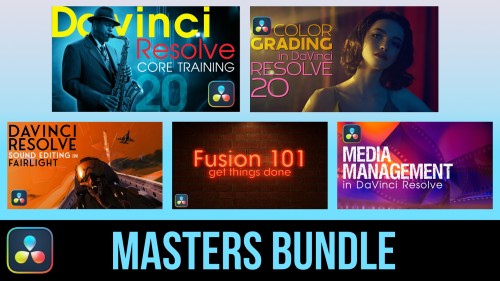
DaVinci Resolve Masters Bundle
DaVinci Resolve Masters Bundle includes our 5 most popular tutorials for anyone wanting to learn DaVinci Resolve post-production.
Fusion 101: Getting Things Done
Unlock the power of DaVinci Resolve's Fusion Page by learning basic compositing and visual effects strategies that will level-up your videos.
Media Management in DaVinci Resolve 19
Media Management in DaVinci Resolve will give you the tools for improving playback performance, preparing your project for remote editing and backing up your work.
Sound Editing in Fairlight Resolve 18
In this training course you will learn how to edit, sweeten, mix and deliver professional soundtracks in the Fairlight Page of DaVinci Resolve 18.Sale!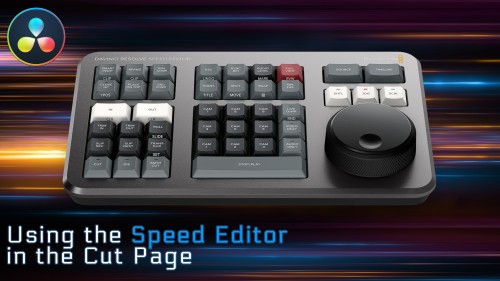
Using the Speed Editor in the Cut Page
Learn how to perform a complete edit in Resolve 17’s Cut Page using Blackmagic Design’s new Speed Editor control surface.Looking for Older Versions of DaVinci Resolve?
Go to Top
DaVinci Resolve TutorialsVince Garcia2020-01-16T17:08:36-07:00