


-
Sale!
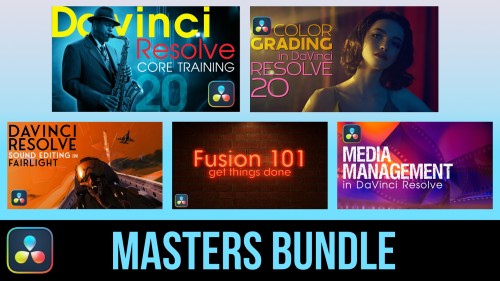
DaVinci Resolve Masters Bundle
DaVinci Resolve Masters Bundle includes our 5 most popular tutorials for anyone wanting to learn DaVinci Resolve post-production.Sale!
DaVinci Resolve Essentials Bundle
DaVinci Resolve Essentials Bundle includes our 2 most important tutorials for anyone wanting to learn DaVinci Resolve post-production. This bundle delivers 12 hours of content and includes the media for following along in DaVinci Resolve. SAVE 35% when purchasing the 2 tutorials in a bundle!!Sale!
Final Cut Pro Essentials Bundle
Our Editors Essentials Bundle is a set of our 5 most popular Final Cut Pro tutorials encompassing over 17 hours of training. Purchase this bundle and save 36%.Sale!
Final Cut Pro Masters Bundle
9 Final Cut Pro tutorials encompassing over 26 hours of training. This is our definitive curriculum covering every aspect of Final Cut Pro post production. SAVE 42%Sale!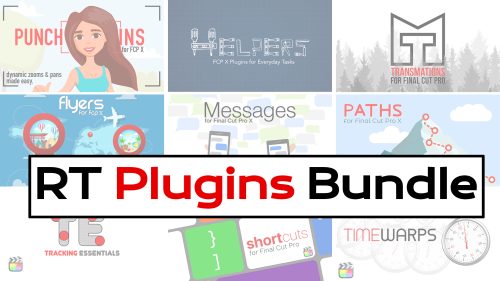
RT Plugins Bundle
The entire set of RippleLive Plugins designed for a variety of creative tasks in Final Cut Pro, for one low price.Sale!
Essential Audio Effects in DaVinci Resolve 17
In this tutorial, you’ll learn how to improve and/or enhance your voice-over dialogue tracks with just the built-in audio effects in DaVinci Resolve.Sale!
Color Management in DaVinci Resolve 17
Color Management in Resolve 17 is a tutorial created to optimize your workflow giving you the confidence that your final output will be the best that it can be.Sale!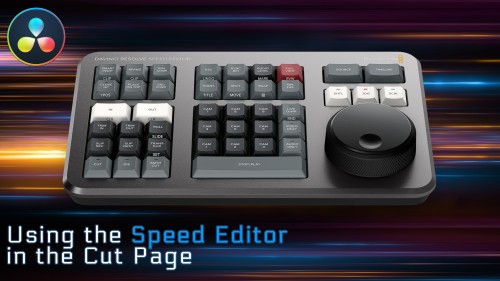
Using the Speed Editor in the Cut Page
Learn how to perform a complete edit in Resolve 17’s Cut Page using Blackmagic Design’s new Speed Editor control surface.Sale!
Motion Essentials Bundle
Our Motion Essentials Bundle includes 4 of our most popular tutorials at a savings of 33%.Sale!
Warp Speed Fusion in DaVinci Resolve 16/17
Warp Speed Fusion will give you a solid grasp on how nodal compositing works in the Fusion Page and how to tackle basic motion graphics and visual effects shots.Sale!
Rigging & Publishing in Motion 5
Learn how to create custom titles, effects, transitions and generators in Motion 5, then publish them for use in Final Cut Pro X.Sale!
Text in Motion 5
Our definitive video tutorial on creating, styling and animating 2D text in Motion. Learn how to format, animate, distort and randomize your text and even turn text into particles.Go to Top
On SaleVince Garcia2020-06-17T18:37:41-07:00