

Best Tutorials on the Internet to
learn DaVinci Resolve
We’ve created a series of tutorials that form a learning path that takes you from a beginning level DaVinci Resolve user to a professional level editor and finisher in DaVinci Resolve. Import media, edit, and apply effects and grades all from within the same editor.
Get Started:
Created for users with no previous DaVinci Resolve experience.
Foundational:
Essential techniques for the professional editor.
On Sale:
Previous Software Version Tutorials.

20+ Years Teaching Video Editors
Trusted by 200,000+ Students
New to DaVinci Resolve? Start Here – Bundle & Save
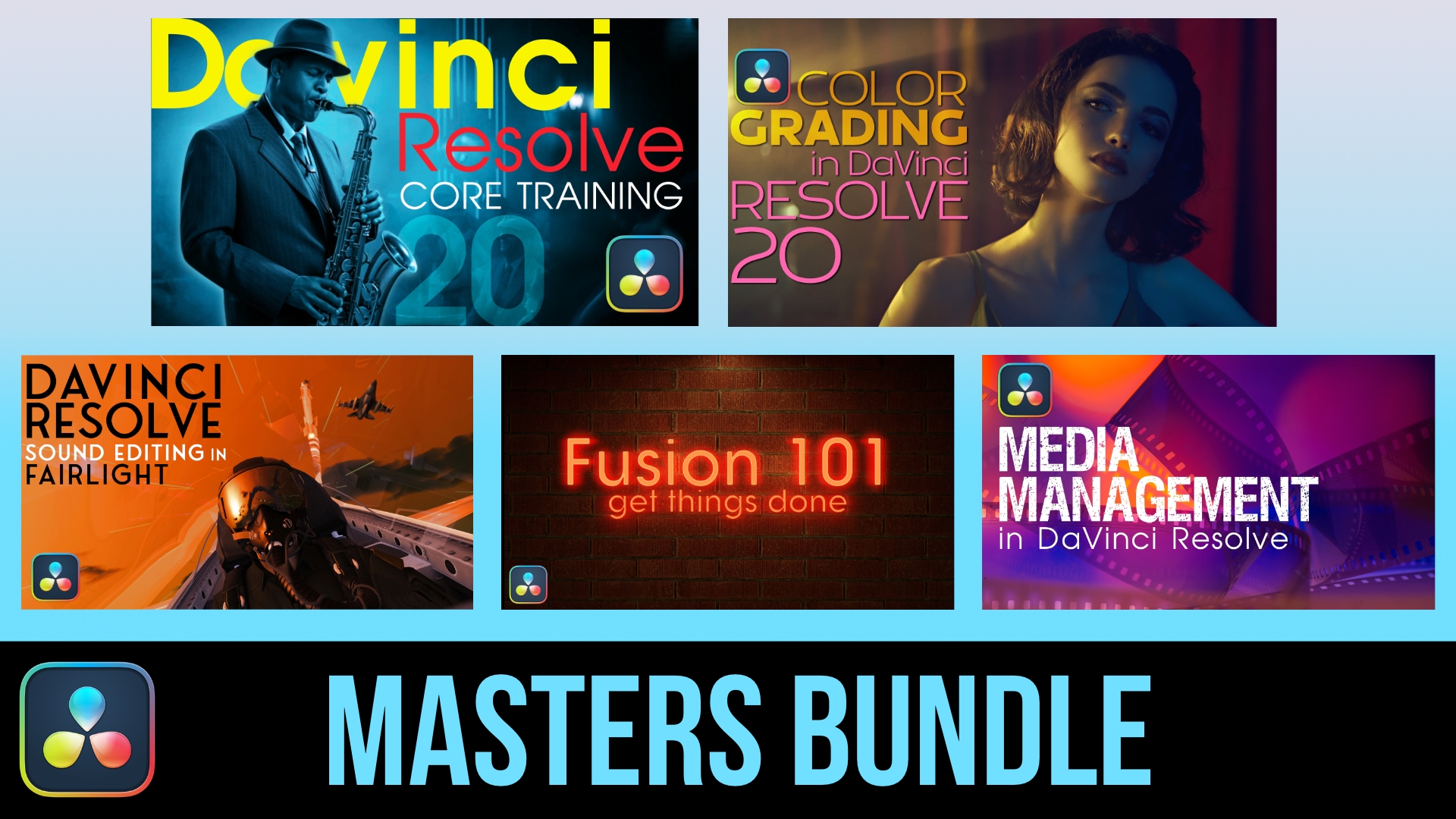
DaVinci Resolve Masters Bundle (★ Best Value)
with Mark Spencer and Steve Martin
Everything You Need to Master DaVinci Resolve. Get all 5 essential courses — Core Training, Color Grading, Media Management, Sound Editing, and Fusion — and take your post-production skills from foundational to professional. More Info
Individually, these 5 tutorials cost $495 — get them all for $320 ($175 savings)
Original price was: $495.00.$320.00Current price is: $320.00.Add to cart

DaVinci Resolve Essentials Bundle
with Mark Spencer and Steve Martin
New to DaVinci Resolve? Get our 2 foundational courses — Core Training and Color Grading — and learn to edit, cut, and color grade like a pro. More Info
Individually, these 2 tutorials would cost $278 — get them both for $179 ($99 savings)
Original price was: $278.00.$179.00Current price is: $179.00.Add to cart
Prefer to Start With a Single Course?
DaVinci Resolve 20 Core Training
with Steve Martin
Start here. NEW In this introductory training course you’ll learn how to import, organize, edit, add effects, color grade, mix, and deliver finished projects using DaVinci Resolve 20. More Info
$79.00Add to cart
Color Grading in DaVinci Resolve 20
with Mark Spencer
NEW Color Grading in Resolve 20 will teach you how to leverage DaVinci Resolve 20’s deep color grading tool-set to improve both the quality of your images and the speed at which you’ll be able to work. More Info
$199.00Add to cart
Foundational Tutorials after Core Training
Color Grading in DaVinci Resolve 20
with Mark Spencer
NEW Color Grading in Resolve 20 will teach you how to leverage DaVinci Resolve 20’s deep color grading tool-set to improve both the quality of your images and the speed at which you’ll be able to work. More Info
$199.00Add to cart
Media Management in DaVinci Resolve 19
with Steve Martin
Media Management in DaVinci Resolve will give you the tools for improving playback performance, preparing your project for remote editing and backing up your work. More Info
$59.00Add to cart
Sound Editing in Fairlight Resolve 18
with Steve Martin
Steve Martin will be your trainer and will teach you how to edit, sweeten, mix and deliver professional soundtracks in the Fairlight Page of DaVinci Resolve 18. More Info
$79.00Add to cart
Fusion 101: Getting Things Done
with Mark Spencer
Using Fusion in DaVinci 18.5. Unlock the power of DaVinci Resolve’s Fusion Page by learning basic compositing and visual effects strategies that will level-up your videos. More Info
$79.00Add to cart
Happy Ripple Customers
Previous Version Tutorials On Sale
Warp Speed Fusion in DaVinci Resolve 16/17
with Mark Spencer
ON SALE Harness the power of Fusion. Gain a solid grasp on how nodal compositing works in the Fusion Page and how to tackle basic motion graphics and visual effects shots. More Info
Original price was: $79.00.$29.00Current price is: $29.00.Add to cart
Color Management in DaVinci Resolve 17
with Alexis Van Hurkman
ON SALE Demystifying Color Management in Resolve 17 is a tutorial designed to help you optimize your workflow, giving you the confidence that your final output will be the best it can be. More Info
Original price was: $79.00.$39.00Current price is: $39.00.Add to cart
Essential Audio Effects in DaVinci Resolve 17
with Travis Richmond
ON SALE In this tutorial, you’ll learn how to improve and/or enhance your voice and dialogue tracks with just the built-in audio effects in DaVinci Resolve 17. More Info
Original price was: $39.00.$19.00Current price is: $19.00.Add to cart
Using the Speed Editor in the Cut Page
with Steve Martin
ON SALE Want to get the most out of your Speed Editor? You will learn how to perform a complete edit in Resolve 17’s Cut Page using Blackmagic Design’s new Speed Editor control surface. More Info
Original price was: $59.00.$29.00Current price is: $29.00.Add to cart

Warp Speed Grading Workflows in DaVinci Resolve 16.1
with Mark Spencer
ON SALE Warp Speed Grading Workflow is a highly focused tutorial in Resolve 16 will teach you the most time-efficient grading strategies when working in Resolve’s Color Page. More Info
$39.00Add to cart
ATEM Mini/Pro Essential Training
with Travis Richmond
ON SALE ATEM Mini/Pro Essential Training is a deep-dive tutorial covering all aspects of the Mini and Mini Pro versions of this popular switcher for producing professional live streams. More Info
$49.00Add to cart