

Video Editing Tutorials for Final Cut Pro, DaVinci Resolve & Motion
This section of our website will show you all of our tutorials based on release date.
You can also click a category to the left and be taken to Learning Path’s for Final Cut Pro, Motion and DaVinci Resolve.
Sound Editing in Fairlight Resolve 18
In this training course you will learn how to edit, sweeten, mix and deliver professional soundtracks in the Fairlight Page of DaVinci Resolve 18.
Working with LUTs in Final Cut Pro
Learn how and when to use LUTs in your color grading workflow so that you can achieve and deliver the look you’re after using Final Cut Pro.
Multicam Editing in Final Cut Pro
Learn the fundamental skills of syncing, audio mixing, editing & color correcting multicam projects in Final Cut Pro.
Final Cut Pro 12.4 Core Training
A foundational and immersive learning experience focusing on Apple’s editing application, Final Cut Pro.
RT Tracking Essentials
RT Tracking Essentials is a collection of 9 titles and 3 effects that are specifically designed to work with Final Cut Pro’s object tracker.
Mastering the Object Tracker in Final Cut Pro
Mastering the Object Tracker in FCP teaches you how to get the most out of Final Cut Pro’s object tracker as you track titles, logos, effects, and more in a wide variety of tracking scenarios.
RT TimeWarps
RT TimeWarps is a collection of 5 plugins that add frame rate, motion blur, strobe, trail and echo effects to your footage.
Ripple Training for iMovie
Ripple Training for iMovie is a highly-focused video editing tutorial for Apple’s iMovie editing software.
RT Shortcuts
RT Shortcuts is a Final Cut Pro title plugin that allows you to quickly add keyboard shortcut graphics to your tutorials and how-to videos.
RT Transmations
RT Transmations makes it fast, easy, and fun to animate your text, logos, graphics, or any connected clip placed over your video.Sale!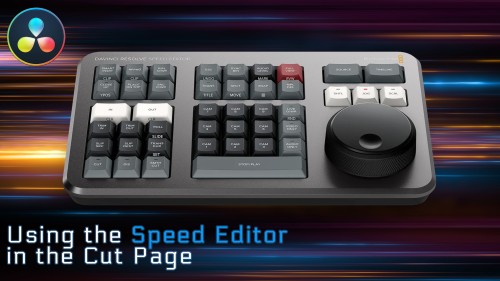
Using the Speed Editor in the Cut Page
Learn how to perform a complete edit in Resolve 17’s Cut Page using Blackmagic Design’s new Speed Editor control surface.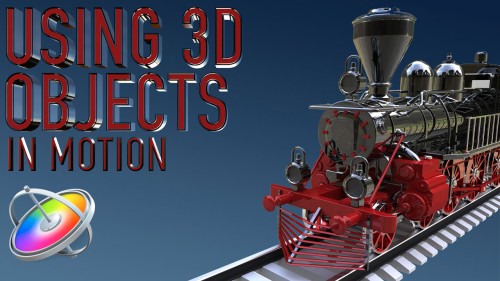
Using 3D Objects in Motion
This tutorial will teach you the key factors you need to know to be able to work with 3D models in both Motion and Final Cut Pro.Go to Top