

Video Editing Tutorials for Final Cut Pro, DaVinci Resolve & Motion
This section of our website will show you all of our tutorials based on release date.
You can also click a category to the left and be taken to Learning Path’s for Final Cut Pro, Motion and DaVinci Resolve.
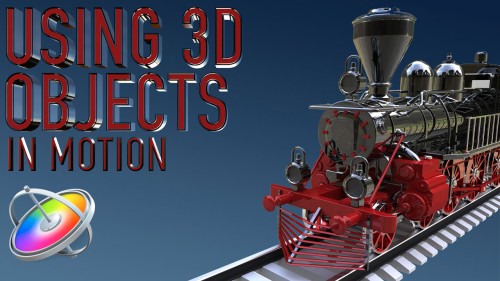
Using 3D Objects in Motion
This tutorial will teach you the key factors you need to know to be able to work with 3D models in both Motion and Final Cut Pro.
Media Management in Final Cut Pro
Learn how Final Cut Pro manages media; where it’s stored; how to copy, move and delete it; when to work with proxy media, and best practices for collaborating with other editors.
Using & Animating 3D Cameras in Motion
Jump into the director’s chair as you set up 3D scenes; frame your subjects; then dolly, sweep, pan and create fluid camera movement for your motion graphics projects.
Drawing and Animating Shapes in Motion
Learn how to draw and animate shapes, which are the building blocks of motion graphics in Apple’s Motion.
RT Paths
RT Paths is a set of templates that allow you to add adjustable path animations to your videos.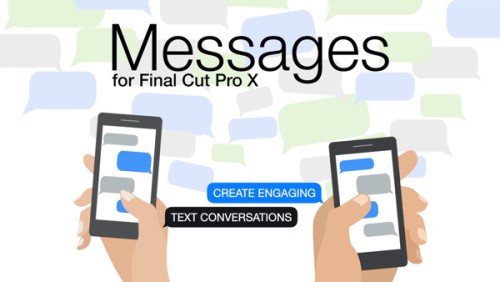
RT Messages
RT Messages make it fast and easy to add animated text messages to your videos.
Animating with Behaviors in Motion
Learn how to quickly create stunning motion graphics using Motion’s unique and powerful set of procedural animation tools called Behaviors.Sale!
Motion Essentials Bundle
Our Motion Essentials Bundle includes 4 of our most popular tutorials at a savings of 33%.
RT Punch-Ins
RT Punch-Ins is a set of Final Cut Pro templates that allow you to quickly create animated zoom and pan effects on videos and photos.
Making Photos Come Alive in Motion
In this tutorial, you’ll learn how to separate your photos into layers then animate them in a variety of compelling ways using Pixelmator, Motion & mPuppet.
RT Flyers
RT Flyers is a set of Final Cut Pro transitions that allow you to graphically transport your viewers from one location to another.
The Art of Cutting Interviews in FCP X
Learn to edit interviews more efficiently using a combination of Final Cut Pro’s excellent metadata tools and third-party transcription applications and editing services.Go to Top