

-
Animating with Behaviors in Motion
Learn how to quickly create stunning motion graphics using Motion’s unique and powerful set of procedural animation tools called Behaviors.
Creating Replicator Effects in Motion
Replicators are Motion’s secret weapon. This tutorial will show you how to use them for quickly creating animated graphical elements for backgrounds, titles, transitions and more, that will both wow and impress.
RT Flyers
RT Flyers is a set of Final Cut Pro transitions that allow you to graphically transport your viewers from one location to another.
RT Tracking Essentials
RT Tracking Essentials is a collection of 9 titles and 3 effects that are specifically designed to work with Final Cut Pro’s object tracker.
Drawing and Animating Shapes in Motion
Learn how to draw and animate shapes, which are the building blocks of motion graphics in Apple’s Motion.
Sound Editing in Fairlight Resolve 18
In this training course you will learn how to edit, sweeten, mix and deliver professional soundtracks in the Fairlight Page of DaVinci Resolve 18.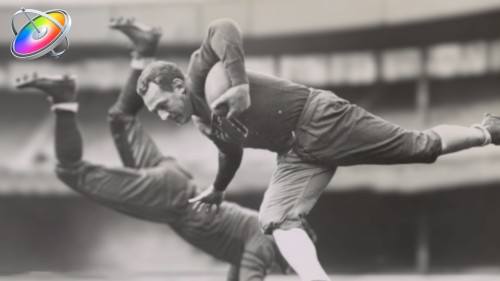
Making Photos Come Alive in Motion
In this tutorial, you’ll learn how to separate your photos into layers then animate them in a variety of compelling ways using Pixelmator, Motion & mPuppet.
Creating Action End Titles in Motion 5
Mark Spencer will show you how to give your titles the Tarantino treatment. Learn how to create highly stylized, gritty title sequences for your films, commercials or music videos. This tutorial assumes you are comfortable in Motion.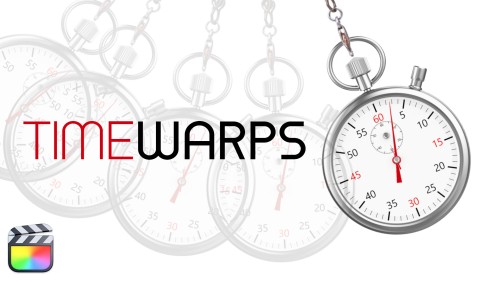
RT TimeWarps
RT TimeWarps is a collection of 5 plugins that add frame rate, motion blur, strobe, trail and echo effects to your footage.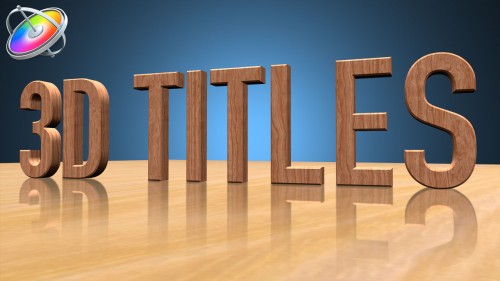
Creating 3D Titles in Motion
An immersive tutorial focusing on Motion’s 3D titles. Learn how to place 3D text into scenes that include realistic environments, lighting and shadows. Also learn how to make custom textures, layers and finishes.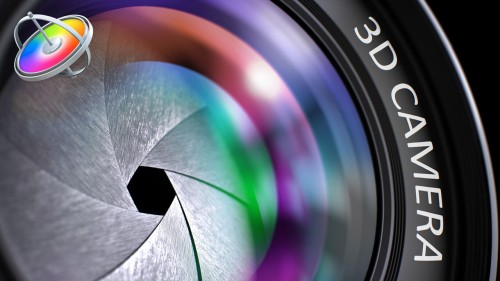
Using & Animating 3D Cameras in Motion
Jump into the director’s chair as you set up 3D scenes; frame your subjects; then dolly, sweep, pan and create fluid camera movement for your motion graphics projects.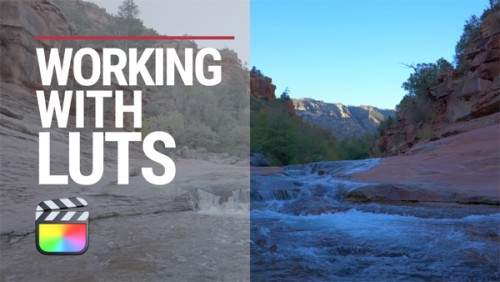
Working with LUTs in Final Cut Pro
Learn how and when to use LUTs in your color grading workflow so that you can achieve and deliver the look you’re after using Final Cut Pro.Go to Top
Most Popular TutorialsAbba Shapiro2020-01-16T17:12:06-07:00