

The Ripple Training blog
Videos, tips and news for Final Cut Pro, DaVinci Resolve and Motion.
Everything Steve and Mark post, in one place: tutorials, quick tips and what’s new in the apps. Pick your app, or search for what you need.
Not sure where to start?
Find the course that fits you.
Answer a few quick questions about what you edit and what you want to get better at. The quiz points you to the course that fits.
- A few quick questions
- Final Cut Pro, DaVinci Resolve or Motion
- Free, no sign-up to start
About two minutes.
Start here
Learn it in under 60 minutes
Free, full-length walk-throughs. Pick an app and have it figured out by lunch.
DaVinci Resolve Cut Page in Under 60 Min
with Steve Martin
DaVinci Resolve Fairlight Page in Under 60 Minutes
with Steve Martin

Ripple Production Class
with Jill Martin

FCP Quicktips Editing 1
with Steve and Mark

60 Second Quick Tips Volume 1
with Steve and Mark
Courses and plugins
New and updated
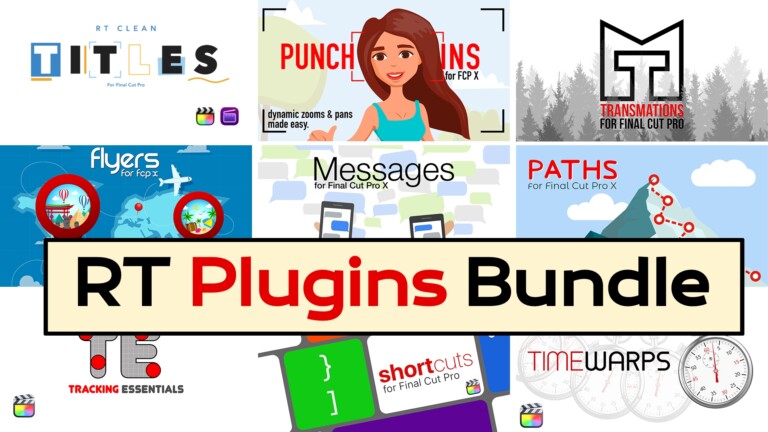
New Original price was: $348.$199Current price is: $199.
RT Plugins Bundle
New$29
RT Clean Titles
All tutorials
Every post, newest first
Free Ripple Tips App – Daily FCP & Motion Tips
with Mark Spencer
Let AI Find Your B-Roll in Final Cut Pro
with Mark Spencer
ChatGPT or Claude for Final Cut Pro
with Mark Spencer
Title Tips for Final Cut Pro
with Mark Spencer
How to Disintegrate Text in Motion
with Mark Spencer
Building a Markup Plugin in Motion
with Mark Spencer
Using Remotion for AI Generated Motion Graphics
with Mark Spencer
DaVinci Resolve Cut Page in Under 60 Min
with Steve Martin
DaVinci Resolve Fairlight Page in Under 60 Minutes
with Steve Martin
Make 3D Logos for Final Cut Pro using ChatGPT & Blender
with Mark Spencer
Grading Overlapping Skin Tones in Resolve 20
with Mark Spencer
Swap & Shuffle Clips in DaVinci Resolve
with Steve Martin
How to Do Punch-Ins in DaVinci Resolve
with Steve Martin
Shot Matching in DaVinci Resolve
with Mark Spencer
DaVinci Resolve 20 – Our Favorite Features
with Steve and Mark
Final Cut Pro 12 Deep Dive
with Steve and Mark
Text-Based Editing in FCP 12 Using ScriptStar
with Mark Spencer
Can Clicky Teach me Final Cut Pro?
with Mark Spencer
Get 3D Objects into Final Cut
with Mark Spencer
End of Year Final Cut Pro Tips 2025
with Steve and Mark
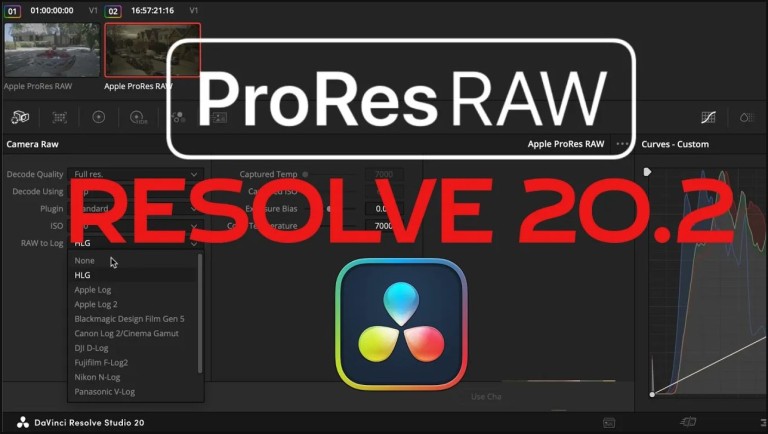
Working with ProRes RAW in Resolve 20.2
with Mark Spencer
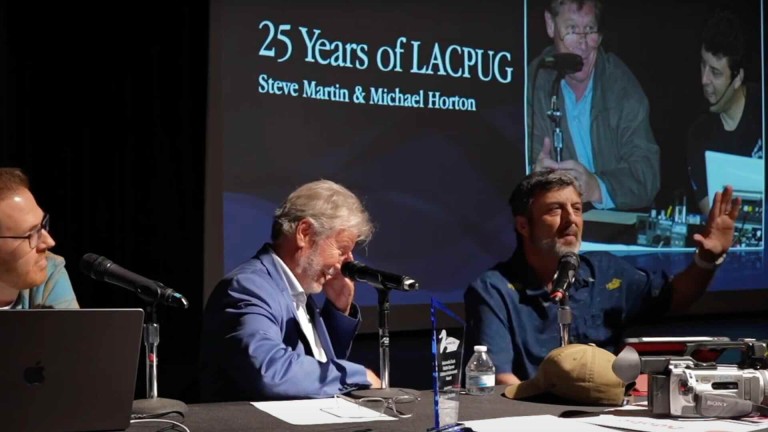
25 Years of LAFCPUG
with Steve Martin
Final Cut Pro to DaVinci Resolve 20 Best Practices
with Steve Martin
Can Gemini 2.0 Teach Final Cut Pro?
with Mark Spencer
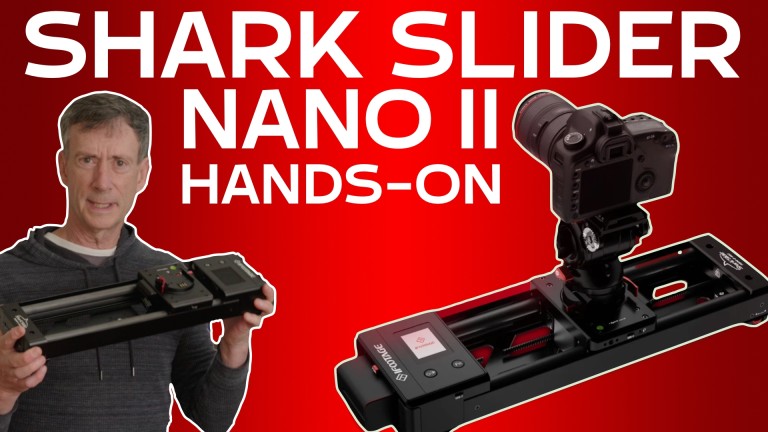
iFootage Shark Slider Nano II – Hands On REVIEW
with Mark Spencer
8 Essential AI Editing Tools in Resolve 19
with Steve Martin
Converting Captions to Titles for Final Cut Pro
with Mark Spencer
NAB 2024 with Steve and Mark
with Steve and Mark
Building an Arrow Plugin for Final Cut Pro
with Mark Spencer
Blackmagic Cam and Cloud Proxy Workflow in Resolve
with Steve Martin
Color Correct Apple Log in HDR
with Steve Martin

Send Files of Any Size with One Click
with Steve and Mark

Generative AI Part 1 and 2
with Mark Spencer
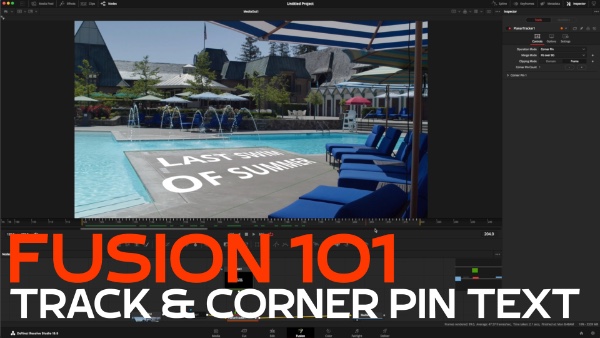
Tracking and Corner Pinning Text in Fusion
with Mark Spencer
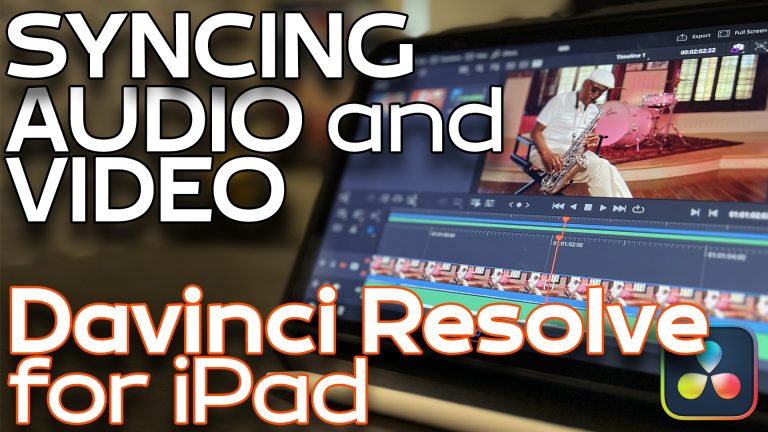
Syncing Audio and Video in DaVinci Resolve for iPad
with Steve Martin
RippleLIVE Episode 32
with Steve and Mark
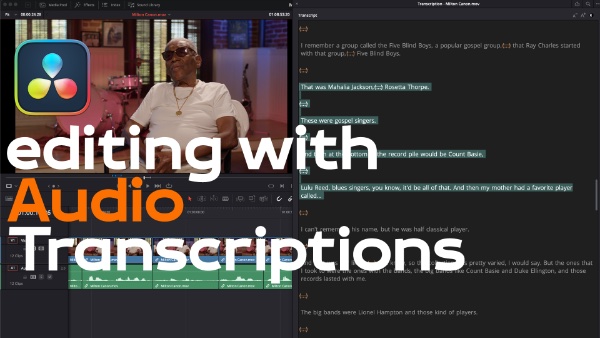
Editing with Audio Transcriptions in DaVinci Resolve
with Steve Martin
Modifying mVFX Templates in Final Cut Pro
with Steve Martin

100K Celebration and Thank You
with Steve Martin
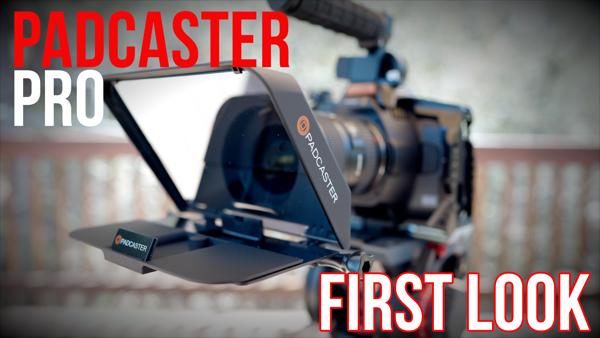
Padcaster Parrot Pro First-Look
with Steve Martin
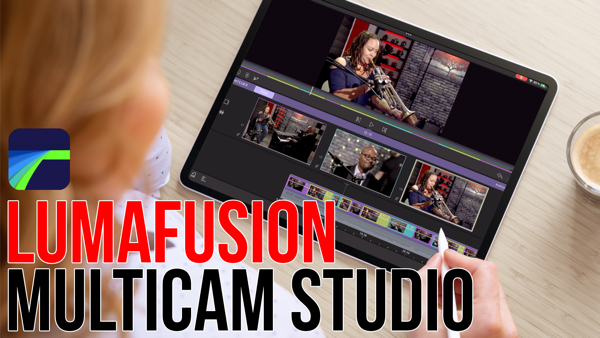
Multicam Editing in LumaFusion 4
with Steve Martin

Next Level Tracking in Final Cut Pro
with Mark Spencer
Native BRAW Editing in Final Cut Pro with Chris Hocking
with Steve and Mark
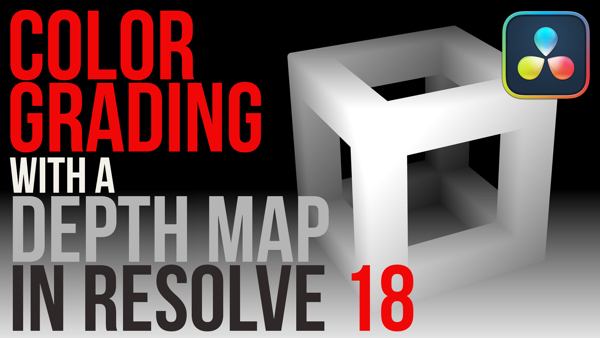
Color Grading with a Depth Map in Resolve 18
with Mark Spencer

Create Music Loops in DaVinci Resolve 18.1
with Steve Martin
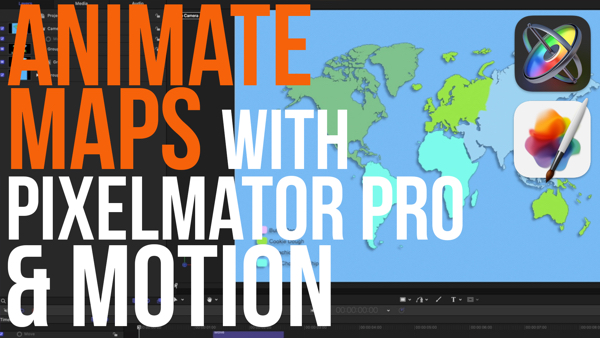
Animate Maps with Pixelmator Pro and Motion
with Mark Spencer
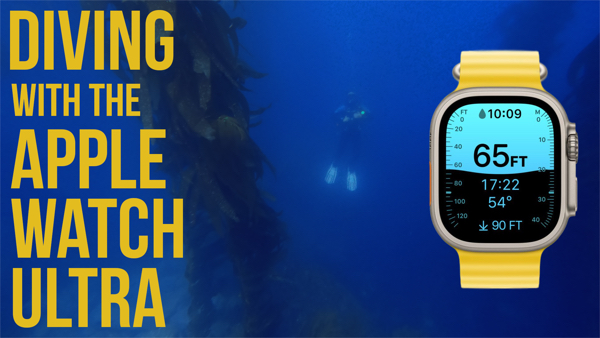
First Dive with the Apple Watch Ultra
with Steve Martin

Animate Pixelmator Pro Graphics in FCP
with Steve Martin
Nothing matches that yet. Try another word, or take the 2-minute quiz.
Free
Free stuff for your next edit
Enter your email and it’s in your inbox in a minute.
Two Core Training lessons
About 45 minutes of Final Cut Pro Core Training: the interface, then a first edit with effects.
A DaVinci Resolve 20 lesson
A full lesson from DaVinci Resolve 20 Core Training, so you can see how the course works before you buy.
A free Motion lesson
The first lesson of Getting Started in Motion, free. See how Mark teaches before you buy.
11 Final Cut Pro plugins
Free plugins from Steve and Mark. Try them in your own projects and see how our plugins work.
Join over 100,000 subscribers on YouTube.
Subscribe for new tutorials, or take the 2-minute quiz to find the right course.